How to Use PDFast
Master PDFast in 6 simple steps

1
Open the App
Launch PDFast from your home screen. The app works completely offline.
2
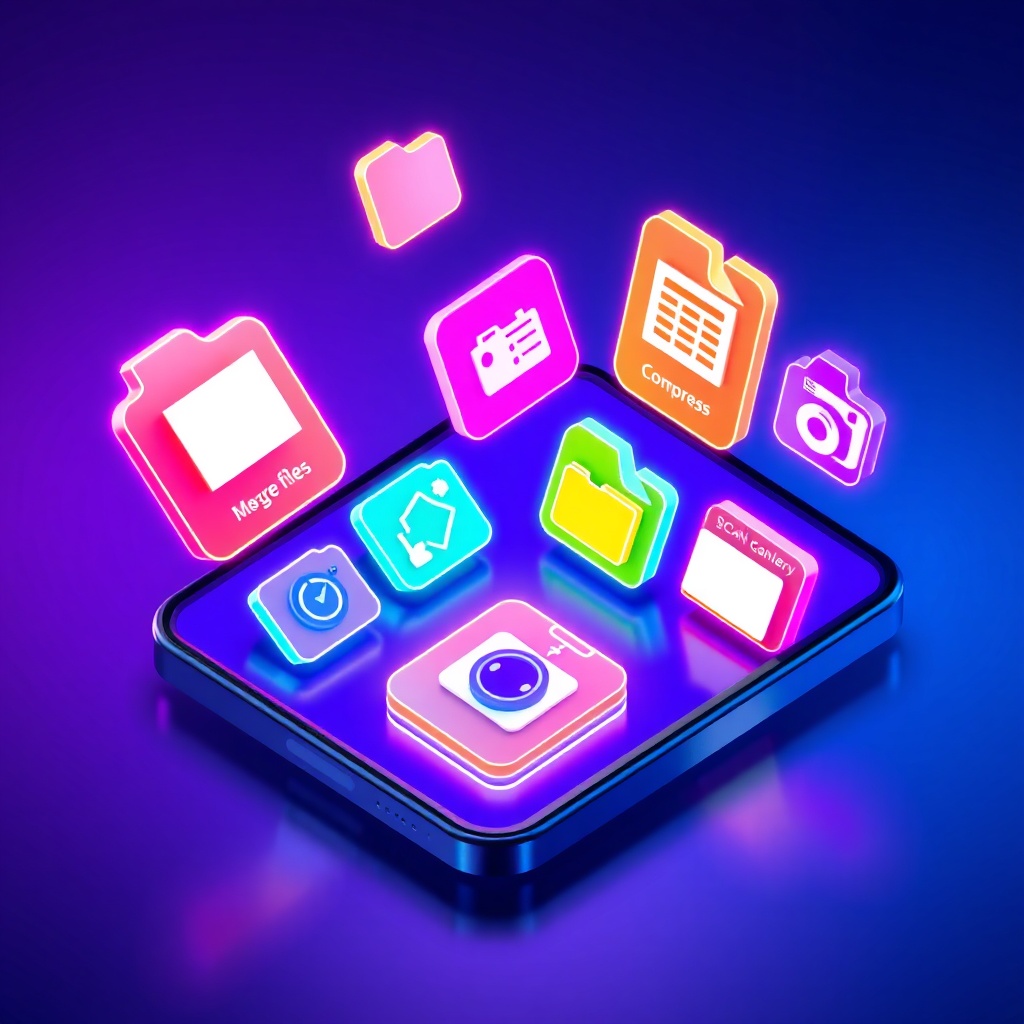
Choose a Tool
Select what you want to do: Merge, Split, Compress, Scan, or Convert images.
3
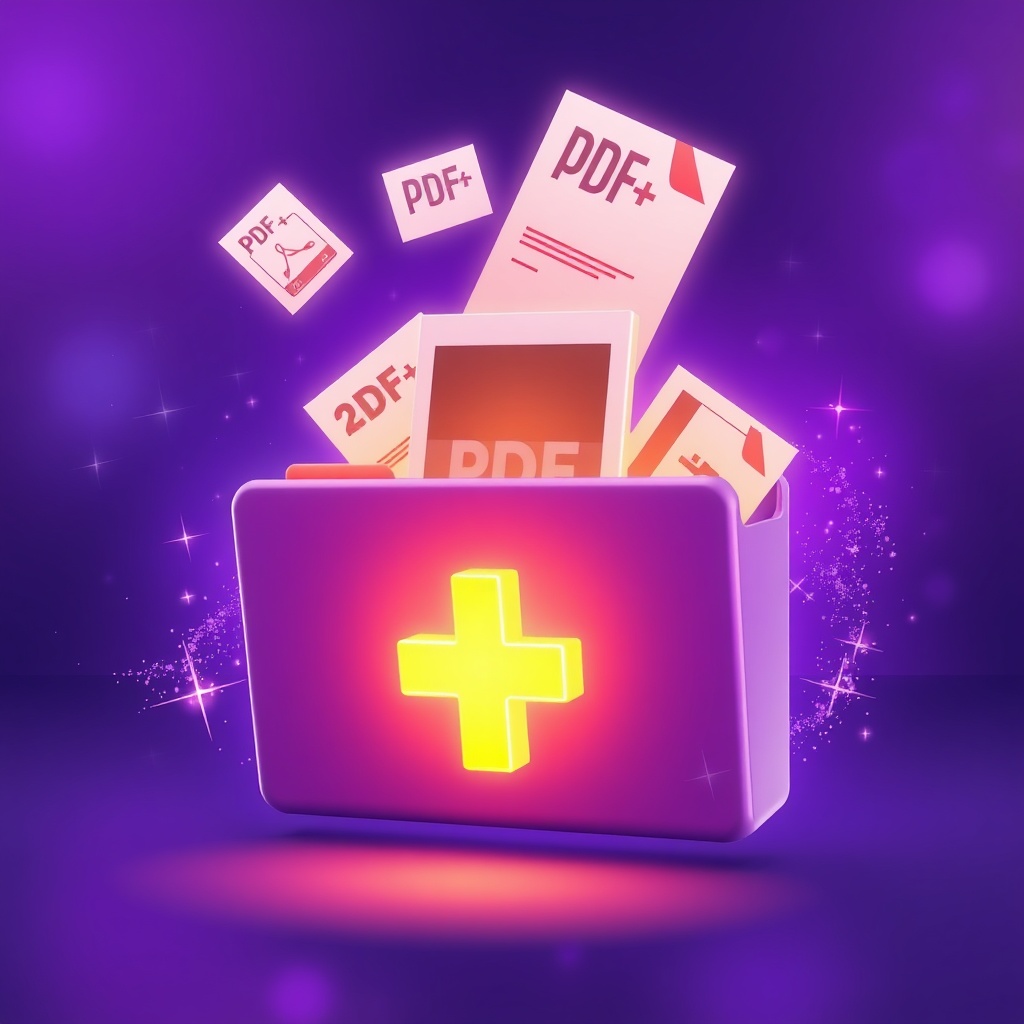
Add Your Files
Tap the + button to add PDFs or images from your device, iCloud, or other apps.

4
Process
PDFast processes your files instantly. All work happens on your device.
5
Done!
Your new PDF is ready! Preview it right in the app.

6
Share & Export
Save to Files, share via email, AirDrop, or any other app on your device.
Ready to Try?
Download PDFast for free and start working with PDFs like a pro!
Download on the
App Store